

Confidential Mode
Start a temporary Playground session that is not saved to conversation history.
Use Confidential mode for a temporary conversation in the Playground. The chat is not saved to your conversation history or written to conversational memory. You can continue asking follow-up questions while the session is active.
Start a Confidential Session
- Open Playground and use + in the Conversations sidebar to start a fresh conversation.
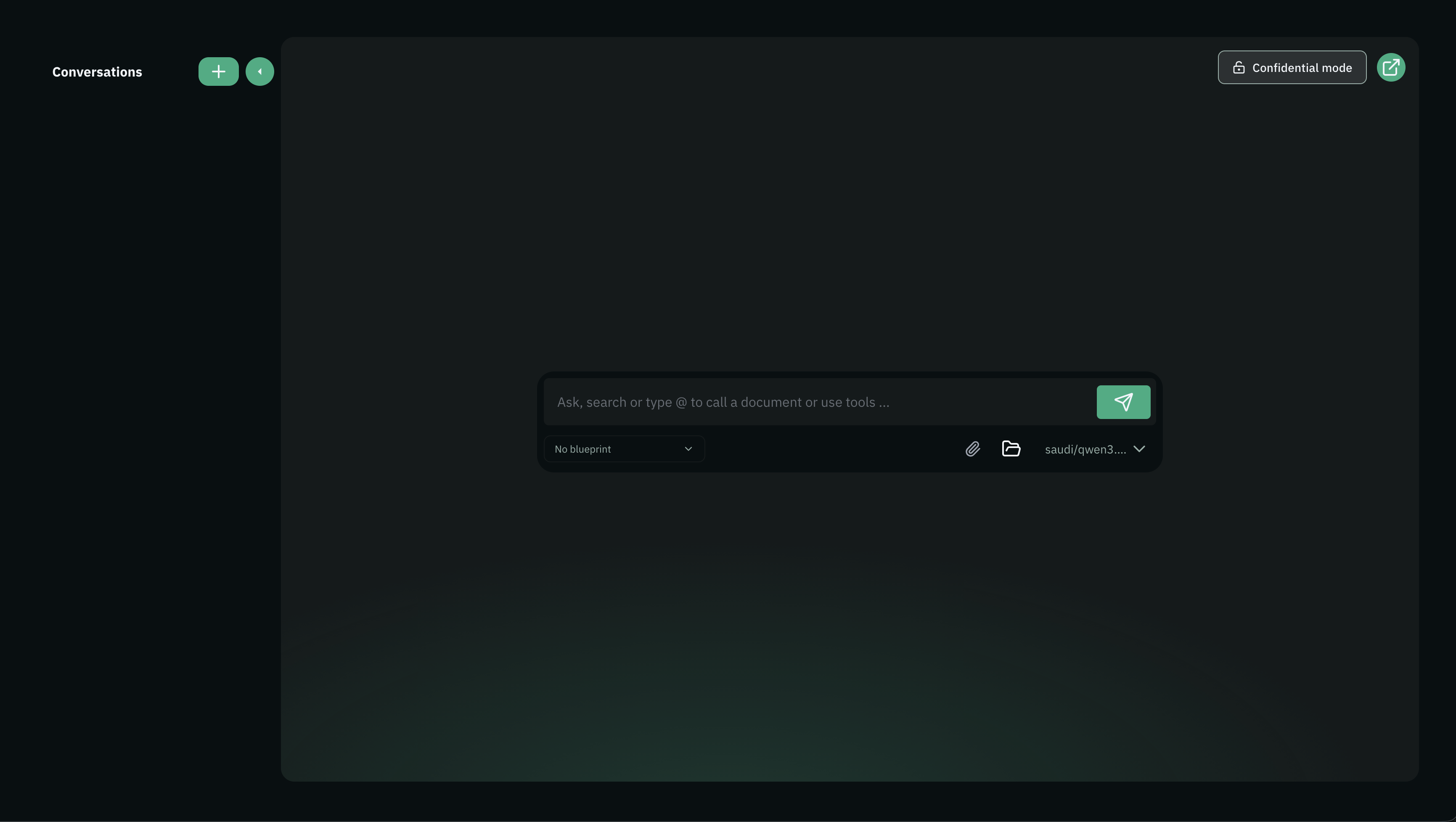
- Select Confidential mode at the top-right of the chat area.
- Check that the button shows a lock and a remaining-time countdown. The chat area displays Confidential session.
- Choose an available model, enter your request, and send it.
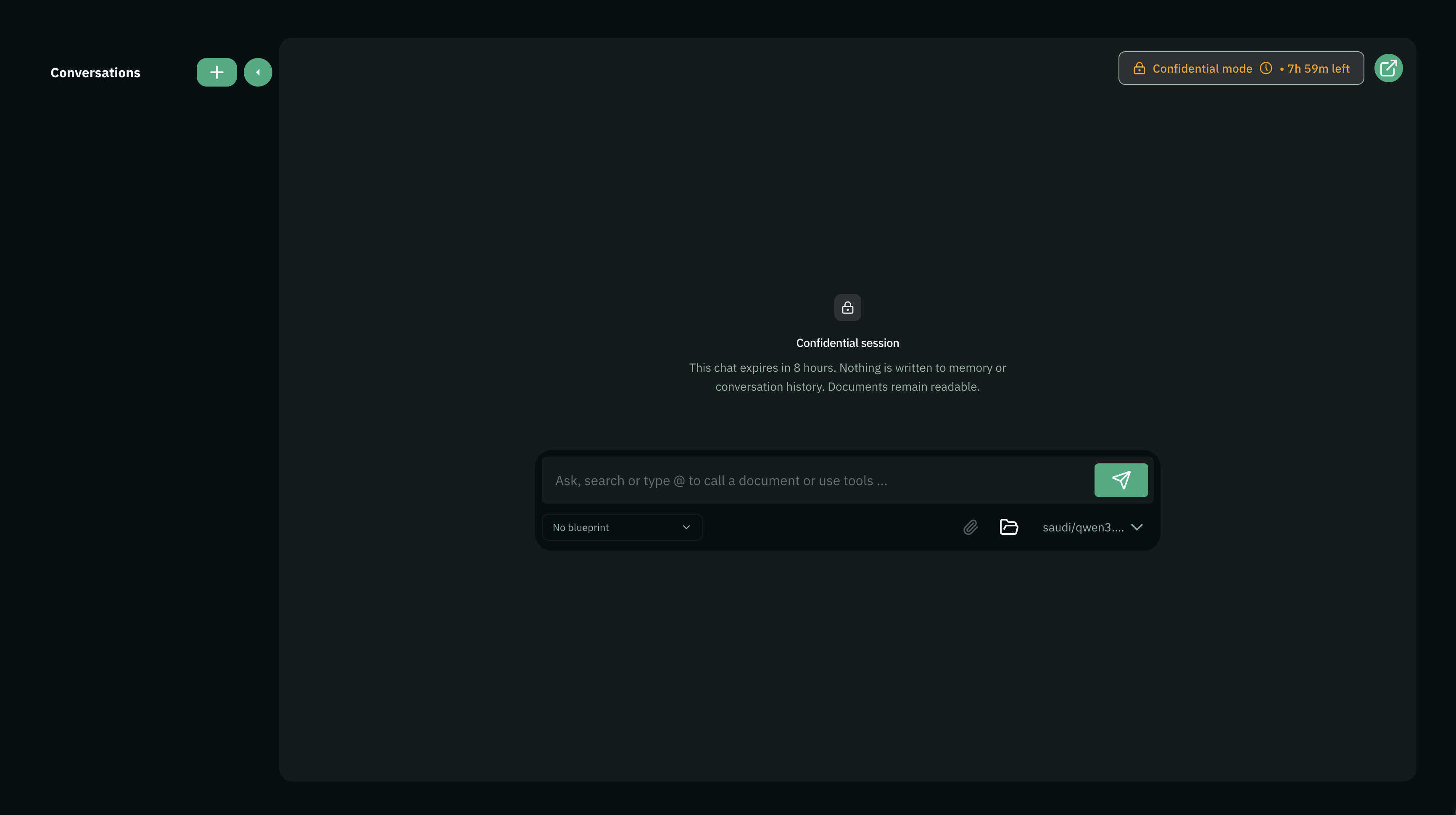
The standard session duration is eight hours. Follow the countdown shown in your Playground. Sending more messages does not restart the timer.
What Changes
| Feature | In a confidential session |
|---|---|
| Conversation history | The session does not appear in the saved Conversations list. |
| Follow-up questions | Earlier messages remain available within the active session. |
| Existing documents | You can read documents and collections you have access to. Select them with @, as in a regular conversation. |
| New file attachments | Uploading documents into the session is unavailable. |
| Generated files | Download links stop working when the session closes or expires. Download files you need before then. |
| Usage | Normal usage limits and charges still apply. |
Reading an existing document does not make that document temporary or change its sharing settings.
Session Expiry
When the session closes or expires, its temporary chat content and generated files are removed and cannot be recovered from conversation history. Start a new session to continue working.
Confidential sessions are temporary and may also be lost if the service restarts. Save any output you need before the session ends. A file you download remains wherever you save it.
Models and Tools
Confidential Mode controls how Bunyan retains the chat. Your selected model still processes the request, and available tools can still run. Web search, MCP connections, workflows, and other external services may receive information needed for their actions; their own data-handling rules apply.
Choose the model, sources, and tools appropriate for your task. Confidential Mode does not undo an external action, such as sending an email through a connected tool.
Bunyan still records usage information, such as token counts and costs, and basic session activity metadata. These records do not contain the conversation text.
Related Guides
- How Chat Works — Ask questions and follow up in a conversation.
- Playground Tools — Select sources and connected tools.
- Usage & Cost — Review consumption and spending.